
Choose a payment platform
Payment Platforms lists the platforms you can connect: Stripe, Paddle Billing and Paystack. Paddle Classic is listed too but deprecated: don’t start new subscriptions on it. The platform you connect shows Enabled.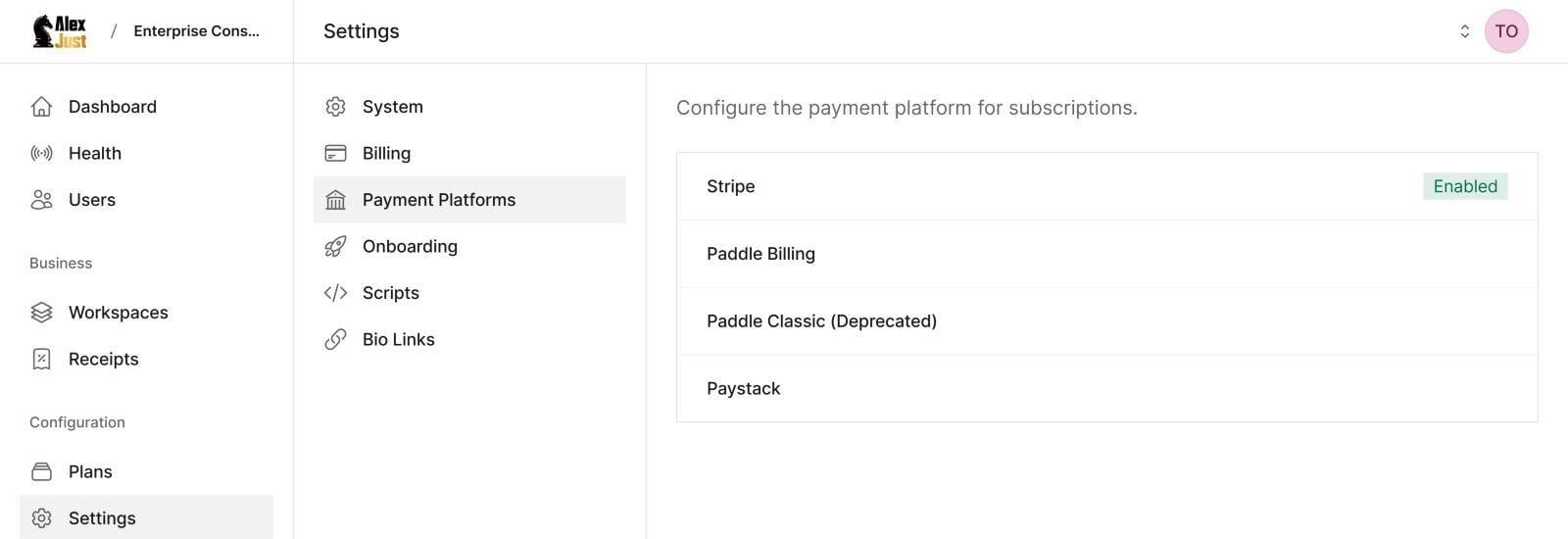
Connect Stripe
1
Copy your API keys
In your Stripe Dashboard, open Developers > API keys and copy the Publishable key (
pk_live_…) and the Secret key (sk_live_…).2
Add a webhook endpoint
In Stripe, open Developers > Webhooks and add an endpoint with this URL:Select these events:
After you save the endpoint, reveal and copy its Signing secret (
whsec_…).3
Enter the keys
In Enterprise Console > Settings > Payment Platforms, click Stripe, choose Enabled, and paste the Publishable key, Secret key and Webhook Signing secret.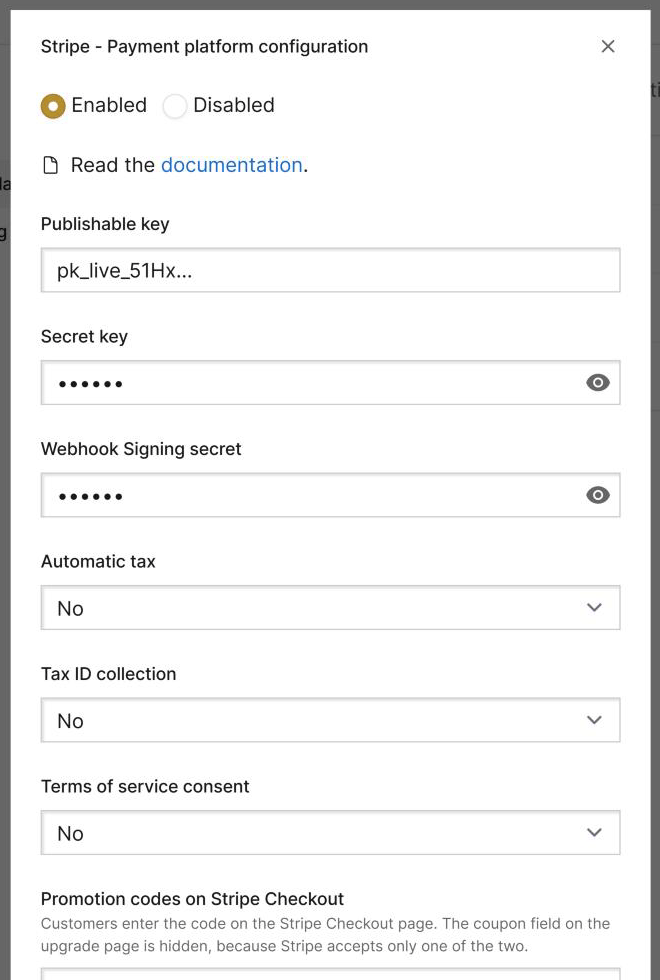
4
Choose the checkout options and save
Click Save.
Billing settings
Enterprise Console > Settings > Billing decides how subscriptions behave on any payment platform: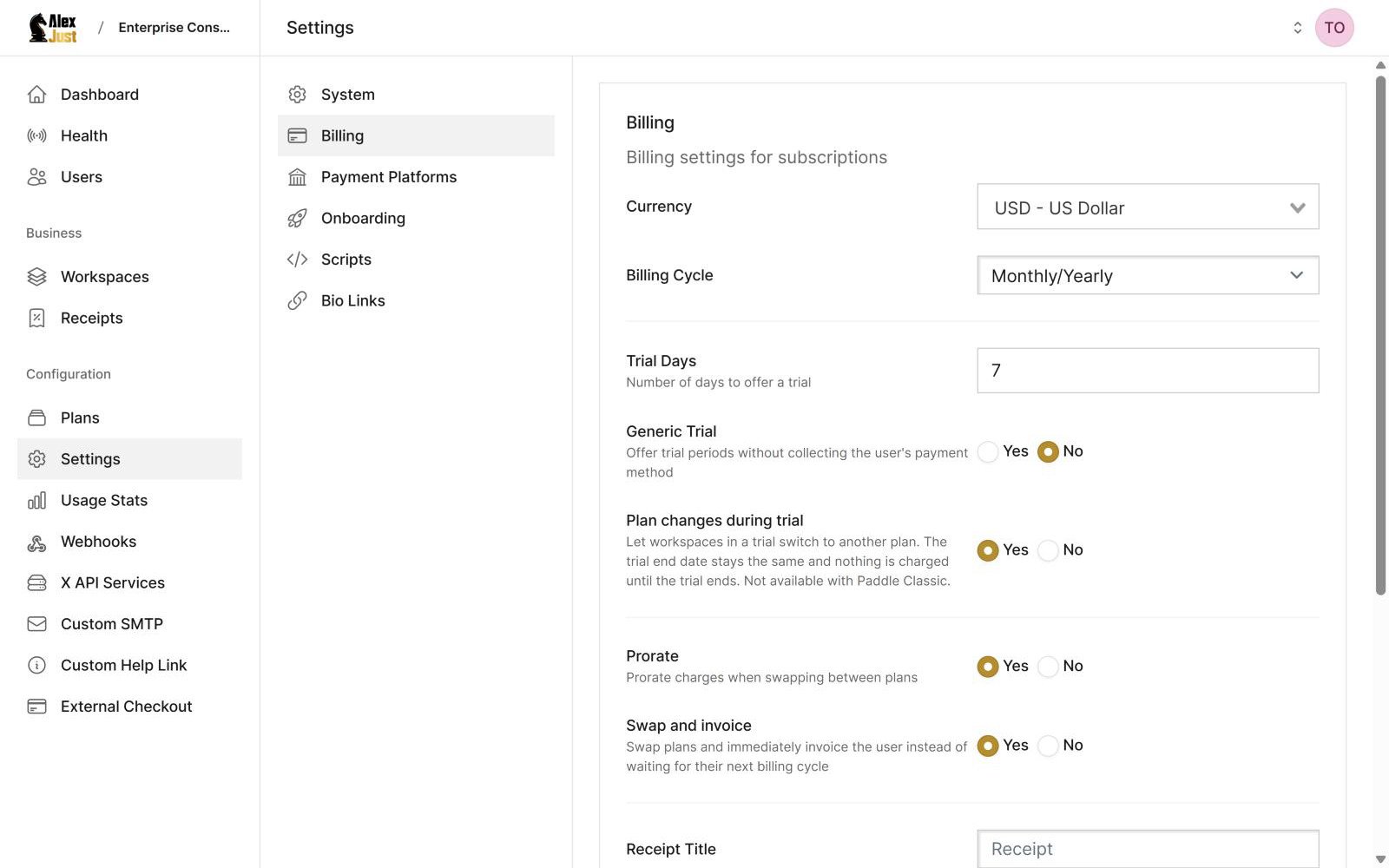
Click Save at the bottom of the page.